
Mood journal · English, Filipino, Taglish
One pebble for every feeling.
Otterly is a quiet place to write about your day. Each entry becomes a pebble in your jar, and Ollie the otter leaves you a short note. No account, no ads, and your journal stays on your phone.
- No account
- No ads
- Works offline

How it works
Four small steps. One full jar.

Write
A few words or a whole page. Sort entries into notebooks if you like.

Drop a pebble
Your entry becomes a pebble, coloured by the feeling it carries. The labels are worked out on your phone.

Ollie replies
A short, gentle note back from Ollie, made by a small AI model on your phone. Nothing is sent anywhere.

See your year
Watch your jar fill up week by week, then look back at a whole year of pebbles.
Try a pebble
How are you, right now? Pick a feeling and drop it in the jar.
Just a demo. Nothing you tap here is saved or sent.

Pick a feeling and I’ll catch the pebble.
Write
A few words is enough.
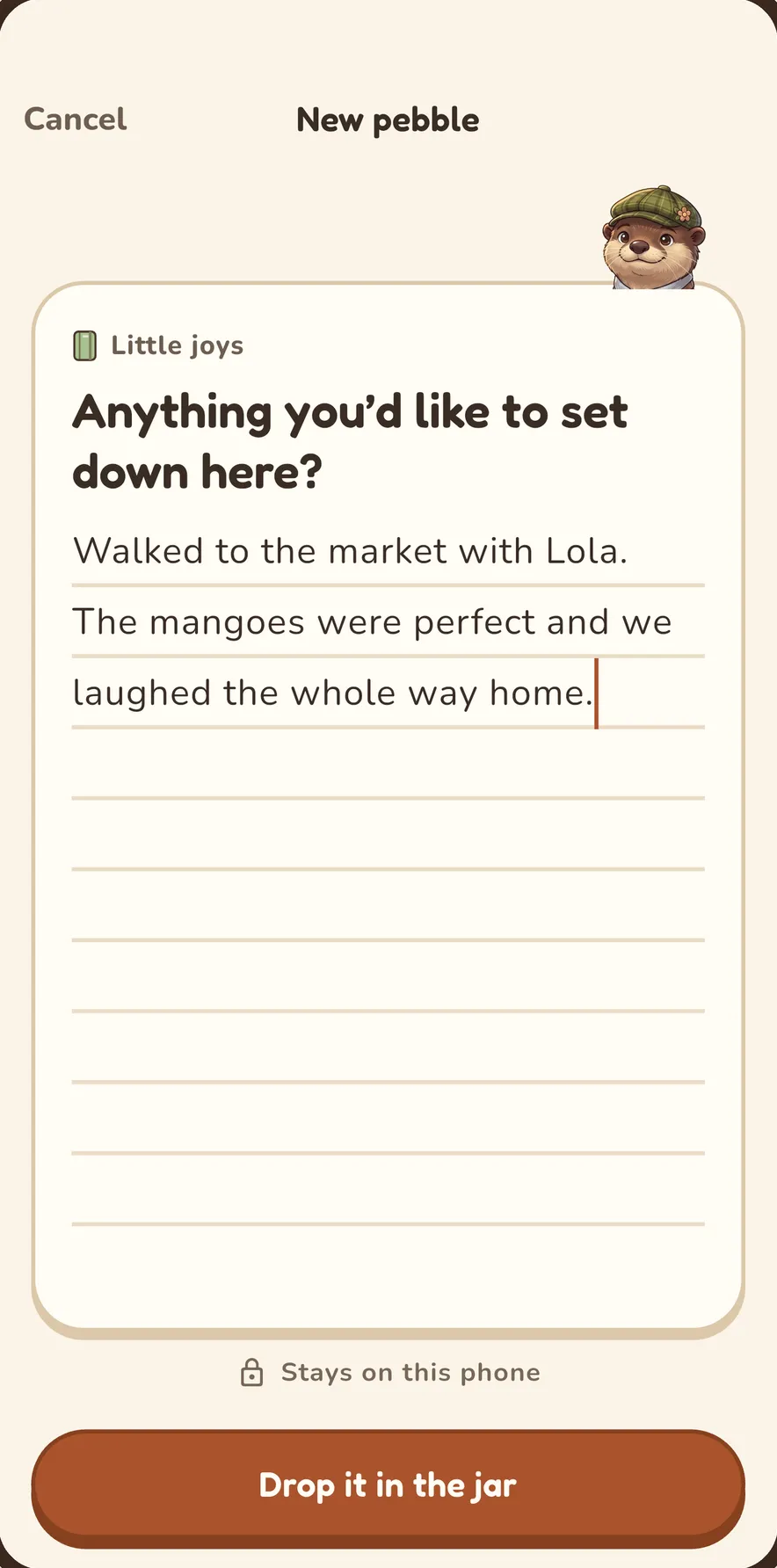
Open Otterly and write what happened, or how it felt. Short or long, in English, Filipino or Taglish. Each entry drops into your jar as a pebble.
- Notebooks for school, work and “just me”
- A daily reminder, only if you want one
Ollie replies
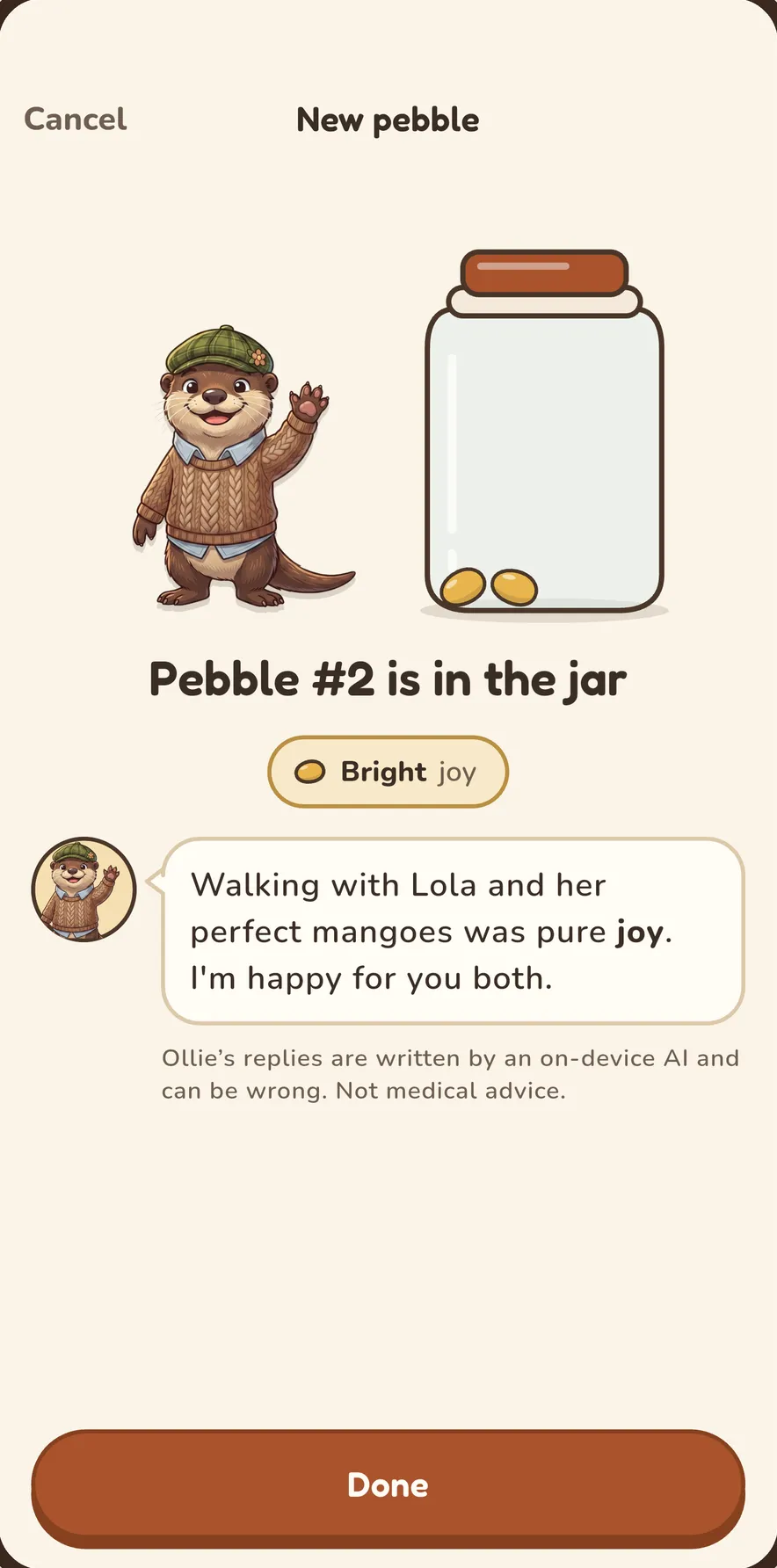
A gentle note back.
Ollie leaves a short reply after you write, and a weekly reflection. It’s made by a small AI model right on your phone, so nothing is sent anywhere.
- Soft feeling labels, worked out on your phone
- Replies can be wrong; hide any you don’t like
Look back
See how your weeks felt.
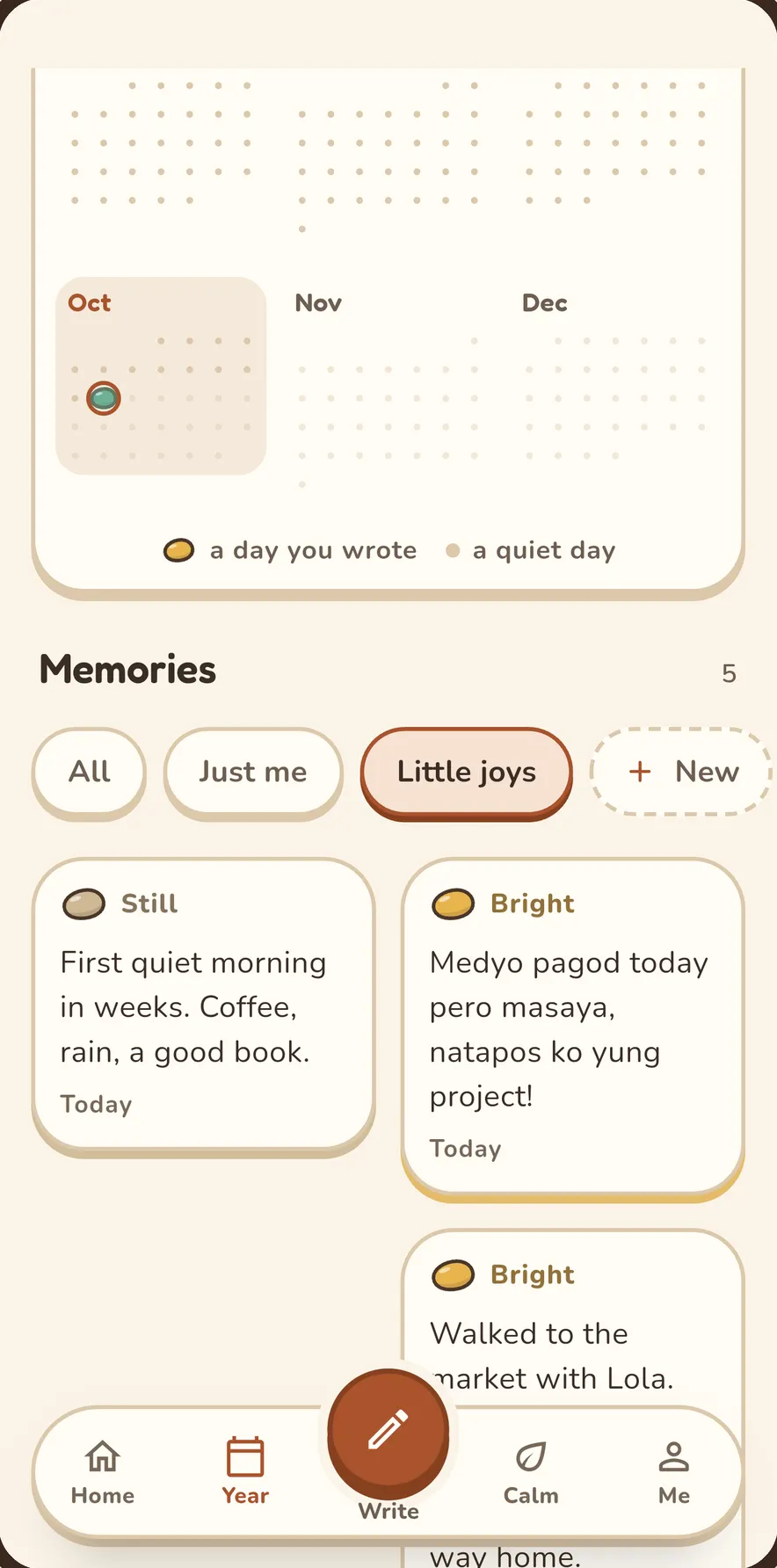
Watch your Pebble Jar fill through the week, then zoom out to a whole year of pebbles. When a day feels heavy, short calming exercises are a tap away.
- Year view of every pebble
- Short, optional grounding and breathing exercises
What’s inside
Small things that make writing easy.
Notebooks
Keep school, work and “just me” apart. Pick a colour for each one.
Gentle feeling labels
Each entry gets soft feeling labels, suggested by an AI model on your phone.
Notes from Ollie
Short replies after you write, and a weekly reflection. Replies can be wrong, and you can hide any of them.
Your Pebble Jar
A jar that fills up through the week. Tilt your phone and the pebbles roll.
Year view
Every day of the year as a pebble, so you can look back on how the months felt.
Calm moments
Short, optional grounding and breathing exercises for when you need a pause.
A daily reminder
Only if you want one, at the time you choose.
Home Screen widget
See how many pebbles you have this week (Android).
Year view
A year of feelings, at a glance.
Every day you write becomes a pebble. Scroll back through the months and notice the bright stretches, the foggy weeks, and how they passed.
A peek inside
Made to feel like a cozy notebook.
Write it messy. A few words is enough. 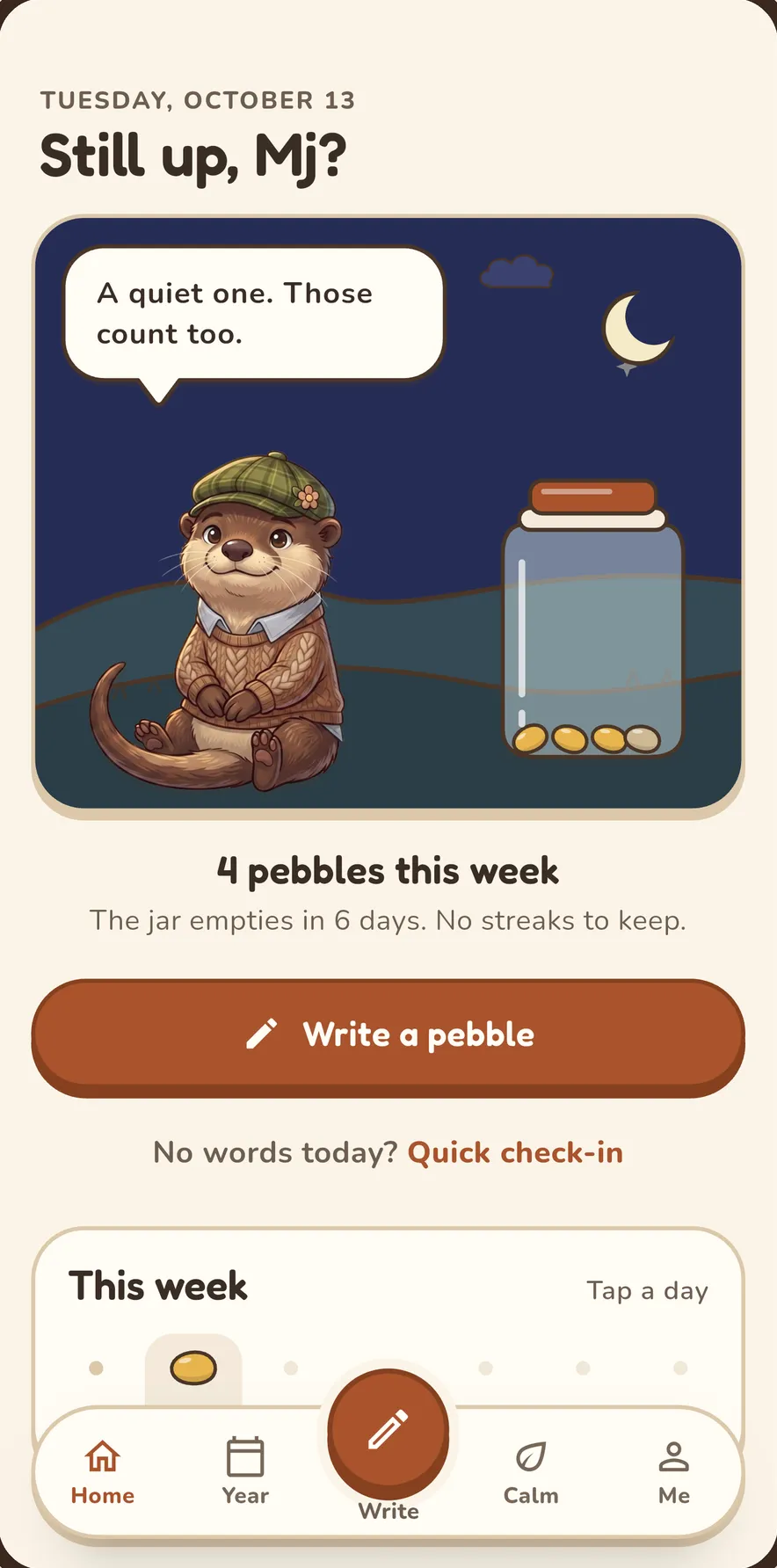
Every day becomes a pebble. No streaks to keep. Gentle replies, made right on your phone. See your year in colour. 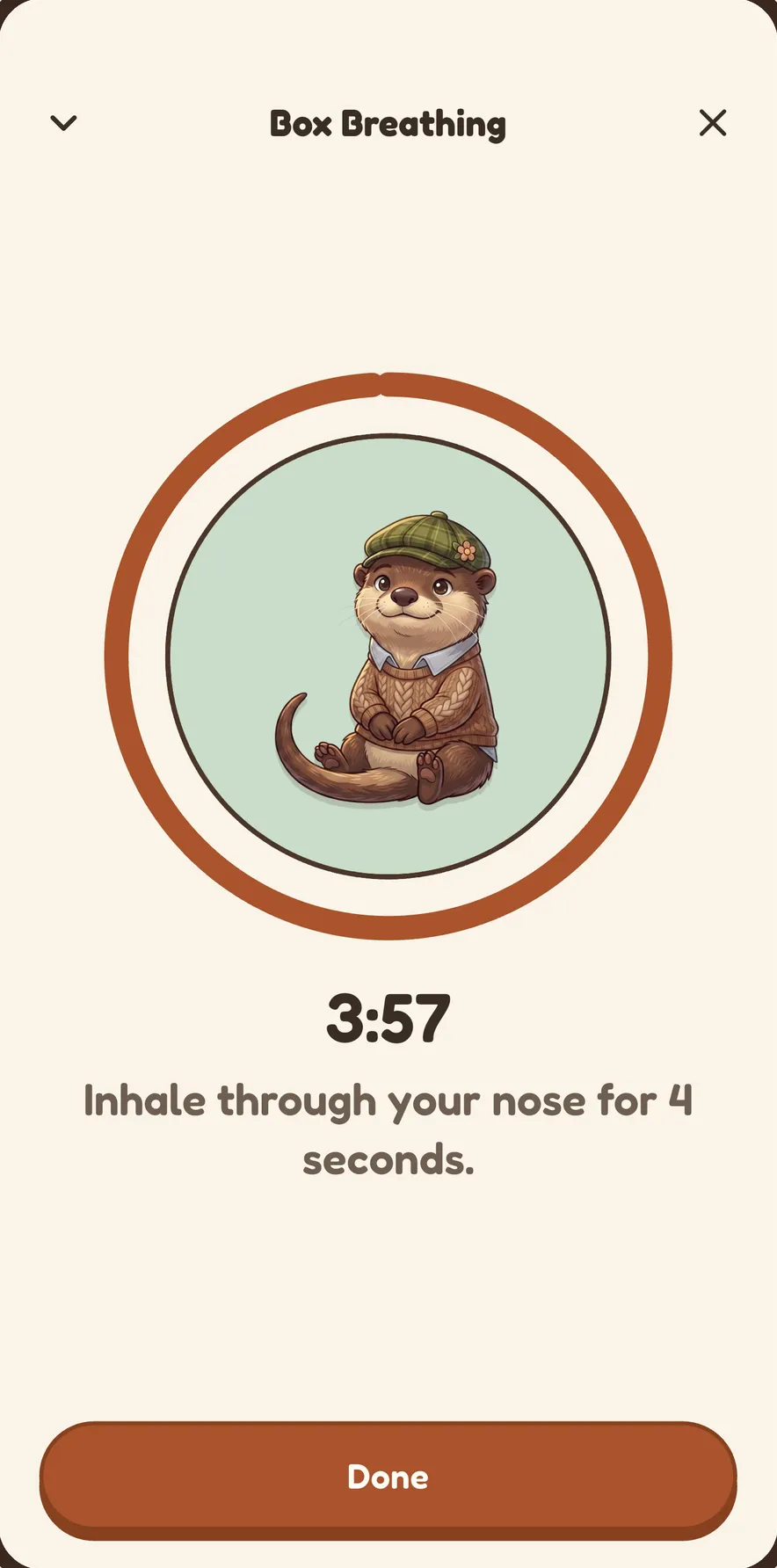
Short breathing exercises for heavy days. 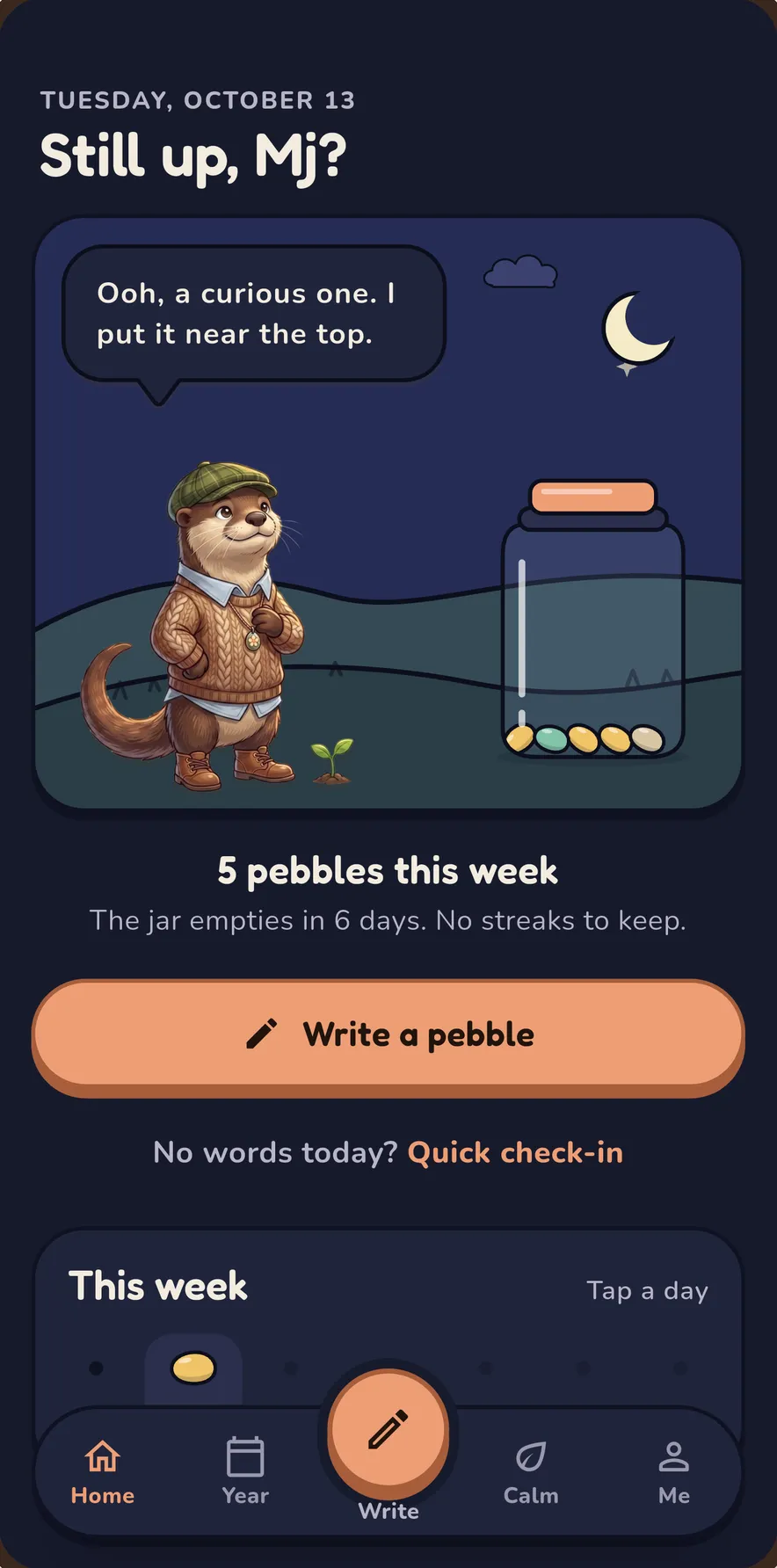
No account. No ads. Works offline. 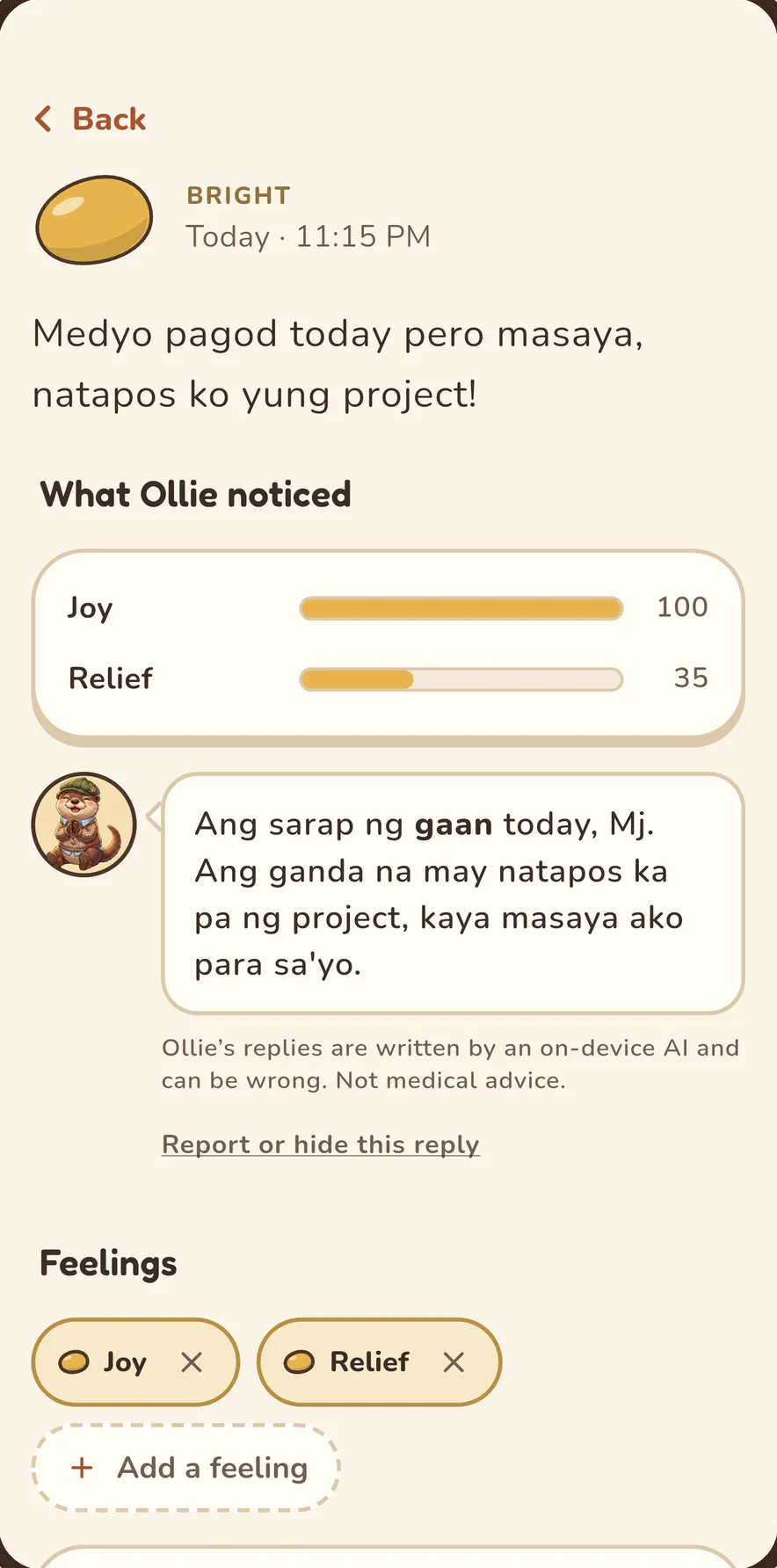
Feeling labels and a short note from Ollie. 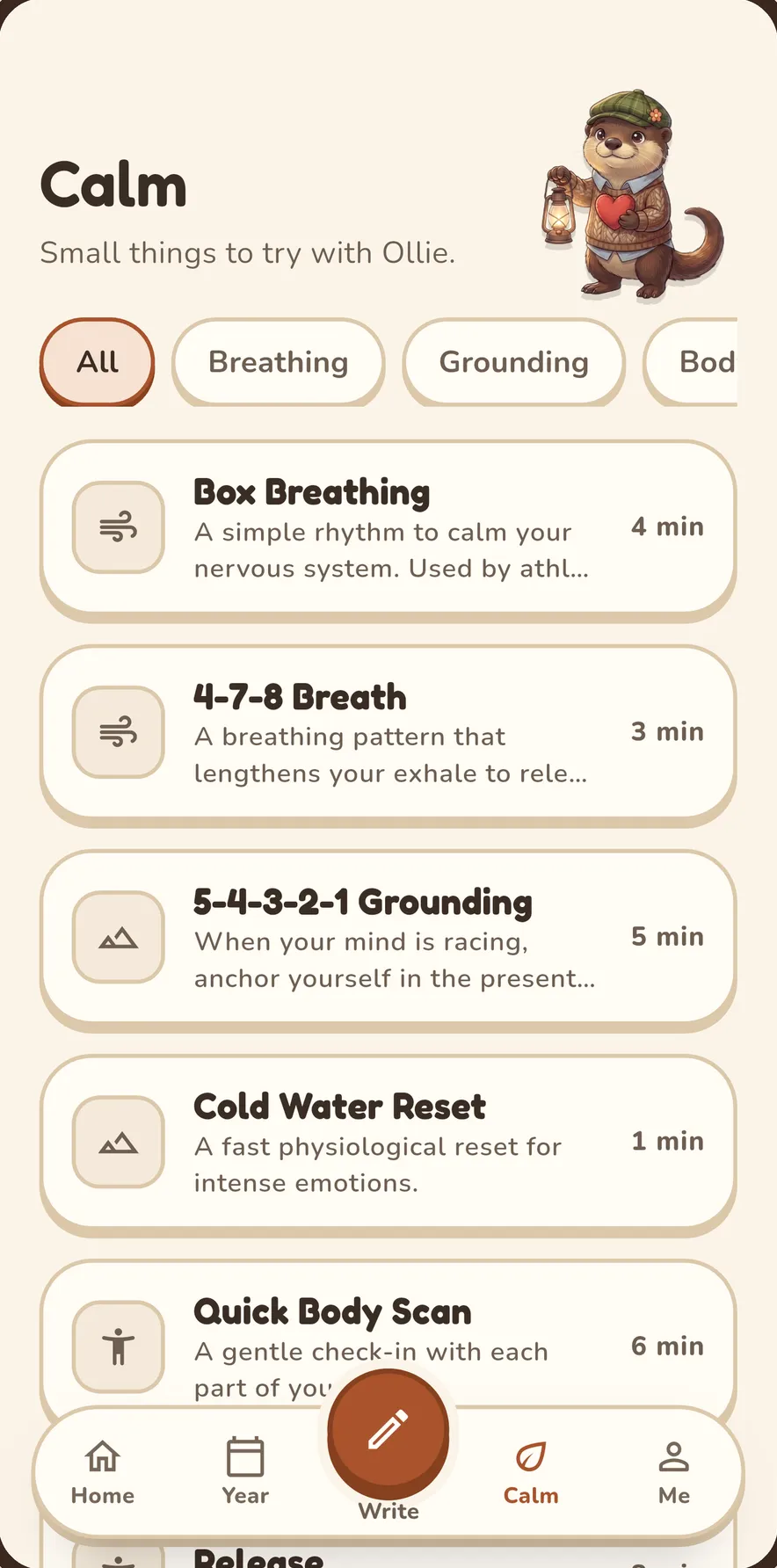
Breathing and grounding, whenever you want it.
Private by design
Everything stays on your phone.
Your journal is never synced or backed up to a server. Ollie’s replies come from an AI model that runs on your phone, so your words never need to leave it.

No account
No sign-up, no email, no password. Open the app and write.
No ads, no tracking
No ads, no analytics, no trackers. Nothing is sent unless you choose to report a reply.
Works offline
Everything works in airplane mode. Nothing syncs or uploads in the background.
Encrypted on your phone
Your journal is kept in an encrypted database. The key stays on your device.
Online only for reports
The app goes online for one thing: a report about one of Ollie’s replies, and only when you send it.
Yours to keep or erase
Export your journal any time, or delete everything with one tap.
What Otterly collects, at a glance
- Account needed
- No
- Ads
- None
- Analytics or trackers
- None
- Internet
- Only when you send a report
- Where your entries live
- On your phone, encrypted
- Who makes Ollie’s replies
- An AI model on your phone
- What we collect
- Only reports you choose to send
Export is your choice, and the exported file is not encrypted. The key stays on this phone only, so export before you switch phones. Read the privacy notice.
Sulat ka lang
Write the way you talk.
English, Filipino or Taglish. Switch mid-sentence if that’s how the day went.
- English
Long day, but the rain on the walk home was nice.
- Filipino
Medyo pagod ako ngayon, pero masaya ang hapunan kasama si Nanay.
- Taglish
Grabe yung traffic kanina, pero at least nakauwi ako nang maaga.

Do I need an account?
No. There is no sign-up, no email and no password. Install Otterly and start writing.
Does Otterly need the internet?
No. Everything works offline, even in airplane mode. The app connects to the internet only when you choose to send a report about one of Ollie’s replies. Nothing is synced or uploaded in the background.
Where is my journal stored?
On your phone, in an encrypted database. The key stays on your device. We never see, receive or share your entries.
What happens if I change phones?
Otterly marks your journal to be excluded from phone backups, and the key stays on the old phone. Use Export before you switch. The exported file is not encrypted, so keep it somewhere safe.
Who is Ollie?
Ollie is the otter in the app. His short replies and weekly reflections come from an AI model (based on Google’s Gemma) that runs on your phone. Replies can be wrong. You can hide or report any reply.
Can I report a bad reply?
Yes. If a reply from Ollie is hurtful, wrong or unhelpful, use Report on that reply, pick a reason and add a note if you like. The report holds the reply, your reason and note, its feeling labels, and the app version, platform and language. Your entry is included only if you choose to add it. Reports go to the developer and are deleted after 12 months. There’s no account, so a report isn’t linked to you, and we don’t store your IP address (our hosting providers keep standard request logs).
Is Otterly a medical or therapy app?
No. Otterly is a journaling app for general wellbeing. Otterly is not a medical device and does not diagnose, treat, cure, or prevent any medical condition. It is not a replacement for a doctor, a counselor or emergency help.
What languages can I write in?
English, Filipino or Taglish.
Who is Otterly for?
People 13 and older. If you are 13 to 17, please use Otterly with a parent or guardian aware.
Is there an iPhone version?
Not yet. Otterly is on Android first, and the App Store version is coming soon.
How do I delete everything?
In the app, go to Me → Settings → Delete everything. Uninstalling the app also erases your data.

Your jar is waiting.
Write one line tonight. Ollie will be there.